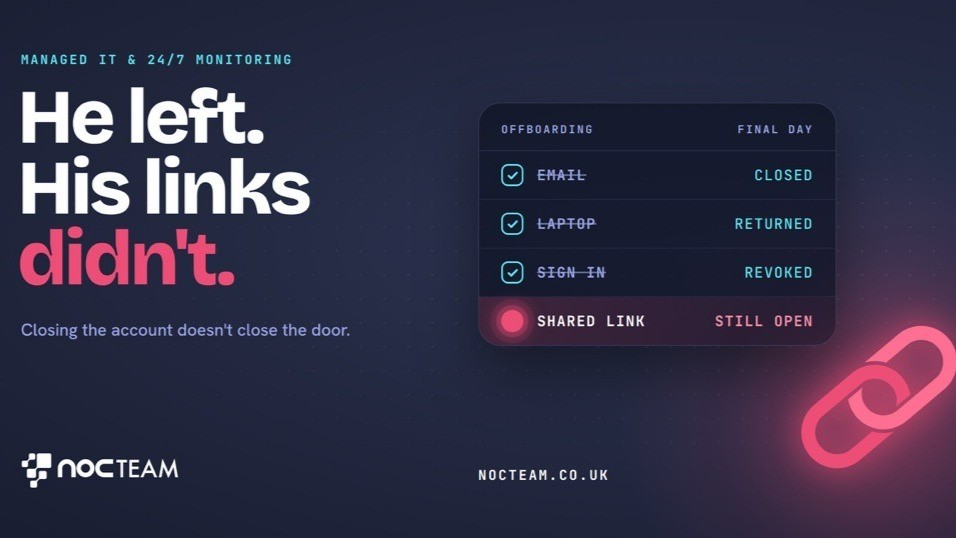
Claire, the operations manager at a commercial property firm, received a phone call on a quiet Tuesday morning from one of her firm's key clients. The managing partner on the line sounded deeply concerned. He wanted to know why a former associate director, who had resigned several weeks earlier to join a local competing firm, was still viewing confidential valuation reports stored in the firm's shared cloud storage. Claire assured him that this was impossible because the former employee's main company account had been turned off on his last afternoon in the office. However, after checking the system herself, she discovered that the client was right. The direct file link used to share the property folder was still active and completely accessible to anyone holding the web address.
This situation happens frequently across small professional firms where staff work under tight deadlines. To share documents quickly with colleagues or clients, team members generate direct links to files and send them out in everyday emails. This habit is convenient, but it bypasses standard security checks. A shared web link is essentially a digital door left unlocked. While turning off a departing employee's central account stops them logging into the firm's main system, it does not automatically turn off or expire the individual links they created while working at the firm. Those links remain open silently in the background, leaving sensitive commercial files visible to former staff, external partners, or anyone else with the web link.
For a growing legal practice, accountancy firm, or consultancy, the true damage is commercial rather than technical. The main danger is rarely a sophisticated cyber attack that makes national news. It is the quiet, unnoticed exposure of confidential information. Professional services businesses rely entirely on reputation and client confidence. When clients entrust a business with private financial figures, strategic plans, or legal contracts, they expect those details to stay strictly private. Finding out that an unauthorised person can view confidential documents damages that trust instantly. Beyond immediate embarrassment, a loss of confidentiality can lead to missed contracts, cancelled retainers, regulatory penalties, and lasting harm to the standing of the firm.
Preventing these quiet gaps requires a clear and organised approach to managing user access across the business. Instead of allowing individual staff members to manage their own document links, the firm needs central user permissions. Central user permissions mean access rights are managed from a single central control point, allowing management to grant or remove access based on a person's current role in the firm. Having central control makes file links far easier to review, set with automatic expiration dates, and revoke when an employee leaves the company. Combining central control with routine reviews of active files ensures that outdated document links are closed before they create an issue.
Maintaining this oversight requires steady attention that busy operations managers rarely have time to give. Effective protection relies on continuous background monitoring that tracks system activity and flags unexpected access as soon as it happens. Around-the-clock monitoring keeps a watchful eye on connected systems, ensuring subtle issues are noticed early. While active response and fixing problems take place during agreed hours, continuous oversight ensures potential risks are spotted before they turn into awkward client calls. NOCTeam provides this continuous monitoring to growing UK firms, giving business leaders the assurance that their client information remains secure and that they hear about issues first.
If you would like to see where your firm stands and ensure your client data is properly protected, book your free IT health check by visiting nocteam.co.uk or by emailing us at [email protected].
#ManagedIT #ITSupport #ProfessionalServices #NOCTeam
Originally published on LinkedIn.