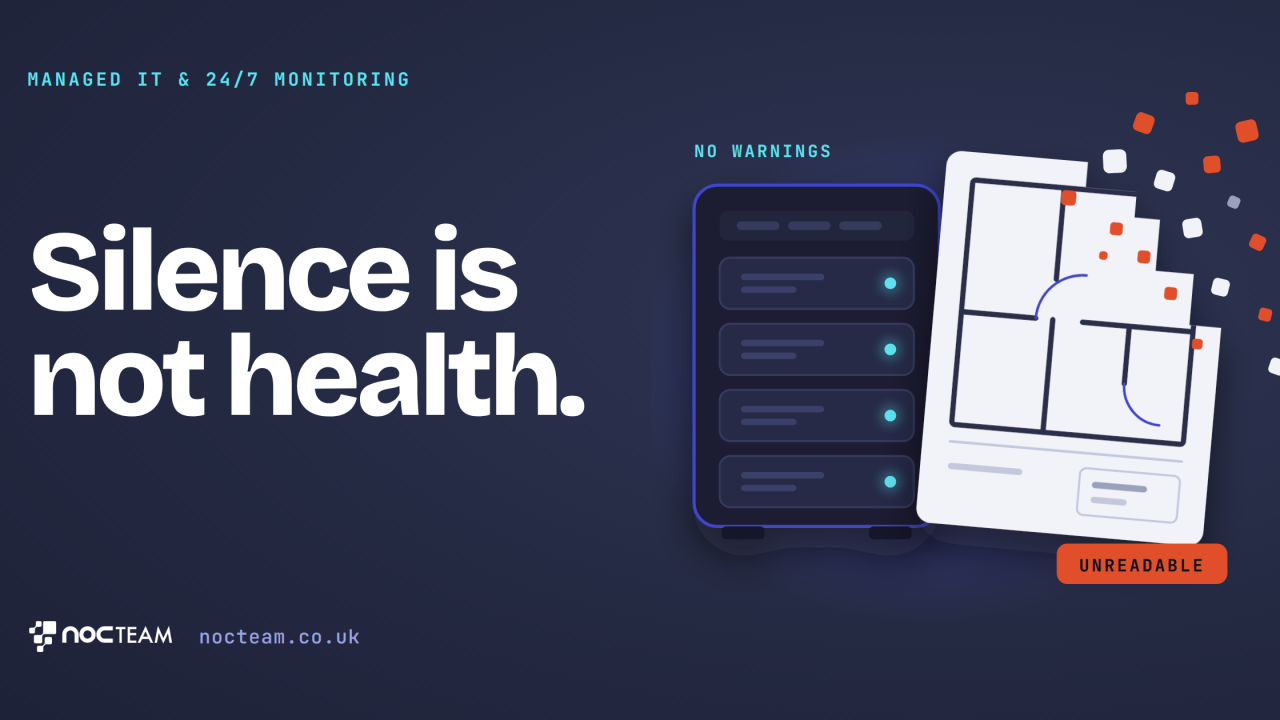
Julian, the managing director of a boutique architectural practice in Bristol, sits at his drafting table on a rainy Thursday afternoon staring at an urgent email from the council's planning officer requesting the approved drawings from a major commercial regeneration project completed several years prior. The local council needs the original digital files to verify a complex boundary query for a neighbouring site development. Julian feels a cold knot tighten in his chest as he navigates to the project folder on the central office server, only to find that every file returns a persistent corruption error and refuses to open. The physical storage drive sitting unobserved in the corner utility cupboard has degraded slowly over time, quietly corrupting historical records long before anyone in the practice noticed a developing problem.
Busy business owners often mistake equipment silence for equipment health. Computer storage drives are mechanical or electronic components that degrade gradually over time until they stop working, altering and damaging the data stored upon them long before the physical machine shows visible signs of failure or throws an alarming error message. When a small professional firm relies upon office equipment sitting unmonitored in a back room, nobody inspects the background health logs, tracks drive wear, or verifies whether storage components remain stable. The underlying assumption is always that silence equates to operational stability, right up until an external request proves otherwise in the most inconvenient way possible. Day-to-day office operations continue smoothly while underlying hardware decay advances entirely out of sight.
The practical commercial impact of this invisible decay extends far beyond an awkward telephone conversation with a council officer or a brief delay in project delivery. For an architectural practice, an accountancy firm, or a legal consultancy, historical project archives represent years of accumulated expertise, proprietary design methods, and hard-earned client trust. If those historical files vanish or become permanently unreadable, rebuilding them from scratch demands weeks of unbillable work and strains valuable client relationships to breaking point. More damagingly, when a key corporate client discovers that their sensitive project records are lost simply because office equipment was left unmanaged, the erosion of professional confidence is severe. It transforms your firm from a steady advisor into an unexpected business risk in the eyes of the people who matter most to your long-term growth, leaving you to defend an administrative oversight that could easily have been prevented.
Preventing this type of operational disaster requires moving away from the comforting assumption that office machinery is fine simply because it is unremarkable. A resilient business setup demands continuous infrastructure observation where every piece of hardware is tracked around the clock to detect early signs of wear long before a physical failure occurs. Continuous monitoring operates independently of immediate emergency response. While automated systems maintain a constant watch over equipment day and night to catch subtle hardware warnings, dedicated engineers investigate and resolve these operational alerts during agreed hours, or around the clock where a client has contracted for it. A failing storage drive is identified and replaced in the background, usually before anyone in the office notices, and backups are tested by actually restoring files, so you know they work before the day you need them.
This balanced approach to infrastructure oversight is what NOCTeam provides for growing professional firms, ensuring office technology remains as reliable as your professional reputation.
Book your free IT Health Check by visiting nocteam.co.uk or by emailing us at [email protected].
#BusinessContinuity #ITSupport #ManagedIT #ProfessionalServices #VirtualITManager
Originally published on LinkedIn.