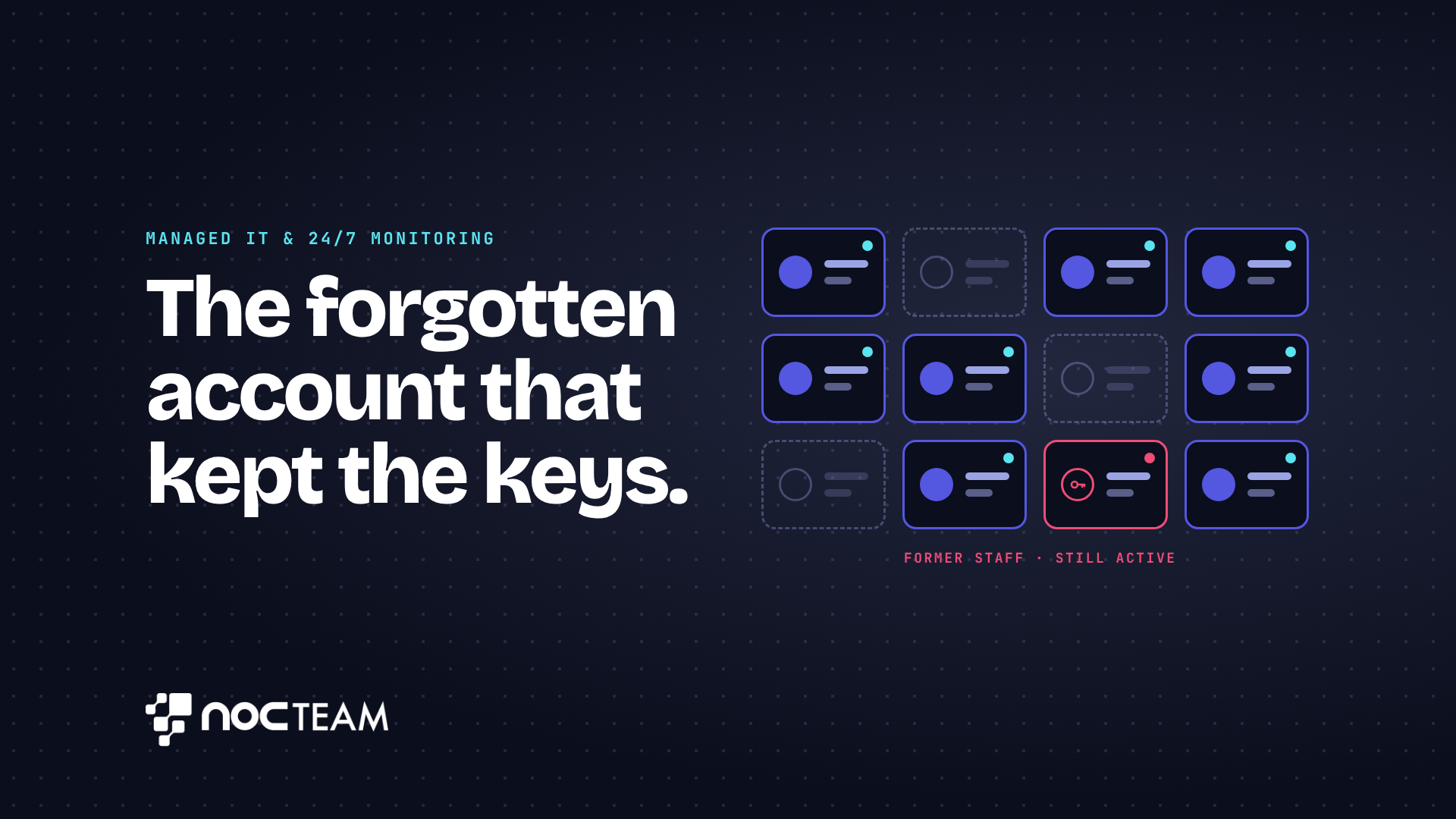
Rachel, the managing director of a boutique human resources consultancy in Leeds, sits at her desk on a quiet Tuesday afternoon reviewing a confidential client restructuring file. As she glances at the document history, she notices an activity log showing that someone opened the folder late the previous evening. Assuming it was a senior partner finishing work after hours, she checks the user record. To her quiet dismay, the account belongs to a former consultant who left the practice months ago to join a direct competitor. A quick search through office records reveals that nobody ever closed the consultant's user account or revoked her access permissions when she returned her laptop. The keys to the firm's most sensitive client data had remained active simply because everyone assumed someone else had taken care of the routine technical housekeeping.
This uncomfortable discovery points to a common blind spot in growing professional practices. When an employee leaves, management naturally focuses on reassigning active client accounts, finishing outstanding work, and conducting handovers. Closing down a departing worker's digital identity, removing their software access, and cutting their connection to shared cloud drives often gets treated as a minor administrative task. Because removing user access does not sit clearly within any single person's daily responsibilities, it slips quietly between the cracks. Nobody owns the job, so nobody completes it.
The real risk here is not usually malicious intent or an aggressive external attack. It is the simple accumulation of unmanaged access. In a small firm where staff manage heavy workloads and balance client demands, tasks without a clear owner fall into a grey area. Employees assume management handled the technical details, while partners assume the IT setup was cleaned up as a matter of course. Meanwhile, former staff retain working logins to client files, billing records, and private correspondence. If a client asks how their data is protected, or if a compliance review takes place, admitting that former employees still hold access to confidential records undermines the trust your firm relies upon to win business.
Fixing this gap does not mean adding more manual checklists or giving busy managers more administrative work. It means replacing informal habits with a clear system that automatically handles access rights whenever staff join or leave the practice. In plain terms, managing permissions from one central control point allows you to grant or remove access across every application instantly, rather than updating individual computers one by one. Setting rules that automatically expire shared links ensures that documents do not remain accessible to outside parties after a project ends. Controlling external sharing means knowing exactly which outside people can see internal folders and revoking those privileges as soon as their work is finished.
When a professional firm sets up these basic controls, technical housekeeping happens predictably in the background. User permissions are updated as part of standard routine, ensuring that access is revoked the moment an employee leaves without requiring a director to remember every single login detail.
Continuous monitoring makes sure these controls stay effective over time without interrupting daily work. It is important to recognise that watching over systems is separate from taking action to fix issues. Monitoring runs constantly in the background, keeping a quiet eye on user accounts and permissions day and night. Responding to alerts and carrying out updates happens during agreed business hours, or around the clock if a firm contracts for extended coverage. This approach ensures that lingering accounts are flagged and closed safely before they create problems, leaving your team free to focus on client work.
This structured oversight is what NOCTeam brings to growing professional practices, giving leadership clear control over system access without adding daily friction to your business operations.
Book your free IT health check by visiting nocteam.co.uk or by emailing us at [email protected].
#BusinessContinuity #ITSupport #ManagedIT #VirtualITManager
Originally published on LinkedIn.